Billing & Invoices
Understand your cycle, payment methods, and how to download statements for business accounts.
Connectivity issues rarely wait for business hours. Whether you are troubleshooting a fiber line in West Bay or activating a new SIM in Al Wakrah, this is your direct path to clarity. We prioritize resolution over redirection, giving you the tools to triage issues immediately or connect directly with the right team.

Understand your cycle, payment methods, and how to download statements for business accounts.
Step-by-step diagnostics for fiber dropouts, slow speeds, and router resets.
Configure handsets, activate eSIMs, and manage connected devices on your plan.
Our support team is available Saturday to Thursday, 8:00–18:00. We recommend checking the Connectivity Issues guide first for immediate resolution.
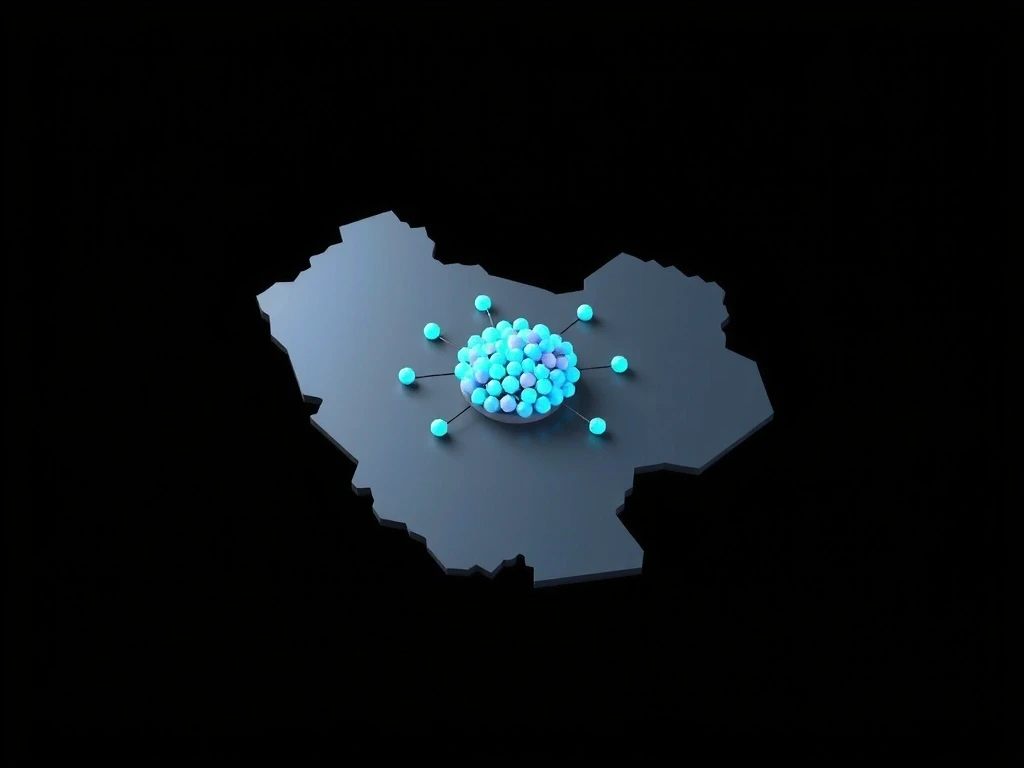
QatarConnect blankets the nation’s key corridors. While we do not provide real-time status maps, the visual below represents our current fiber backbone and high-density cellular coverage areas. Think of this as a "heat map" of reliability—where our infrastructure is deepest, performance is most consistent.
*Coverage is indicative. Actual speeds vary by building infrastructure and distance from the node.
Real scenarios we see every day, mapped to the quickest resolution.
Constraint: Time-sensitive, likely a router sync issue or neighborhood node maintenance.
Approach: Power cycle the ONT (Optical Network Terminal). Check the PON light. If red, check for maintenance SMS.
Outcome: 80% of these cases resolve within 4 minutes. If not, the Playbook automatically flags a line test.
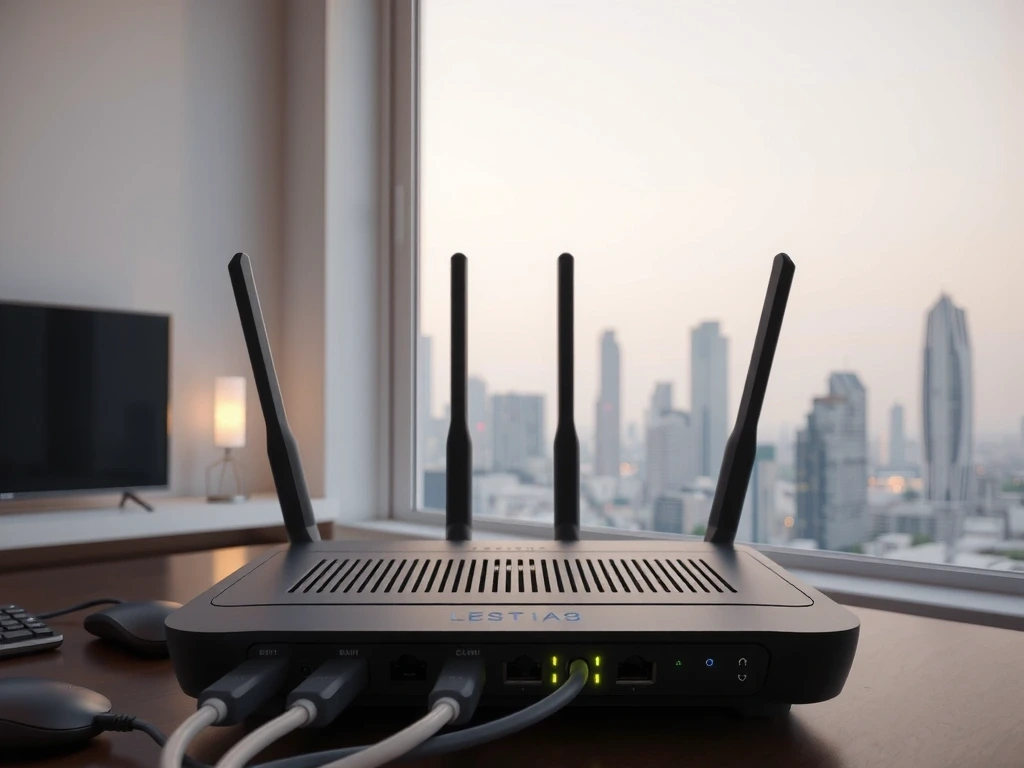

Constraint: Intermittent packet loss affecting transaction processing.
Approach: Verify secondary line failover status (if provisioned). Check router QoS settings prioritizing POS traffic.
Outcome: If primary line is unstable, Enterprise Support can force traffic shaping to the backup link remotely.
Eliminate phone trees. Use the right extension for your issue to get routed immediately.
Our standard SLA for business connections. These are the targets we track internally, refreshed hourly.
Still need help? Explore other resources.